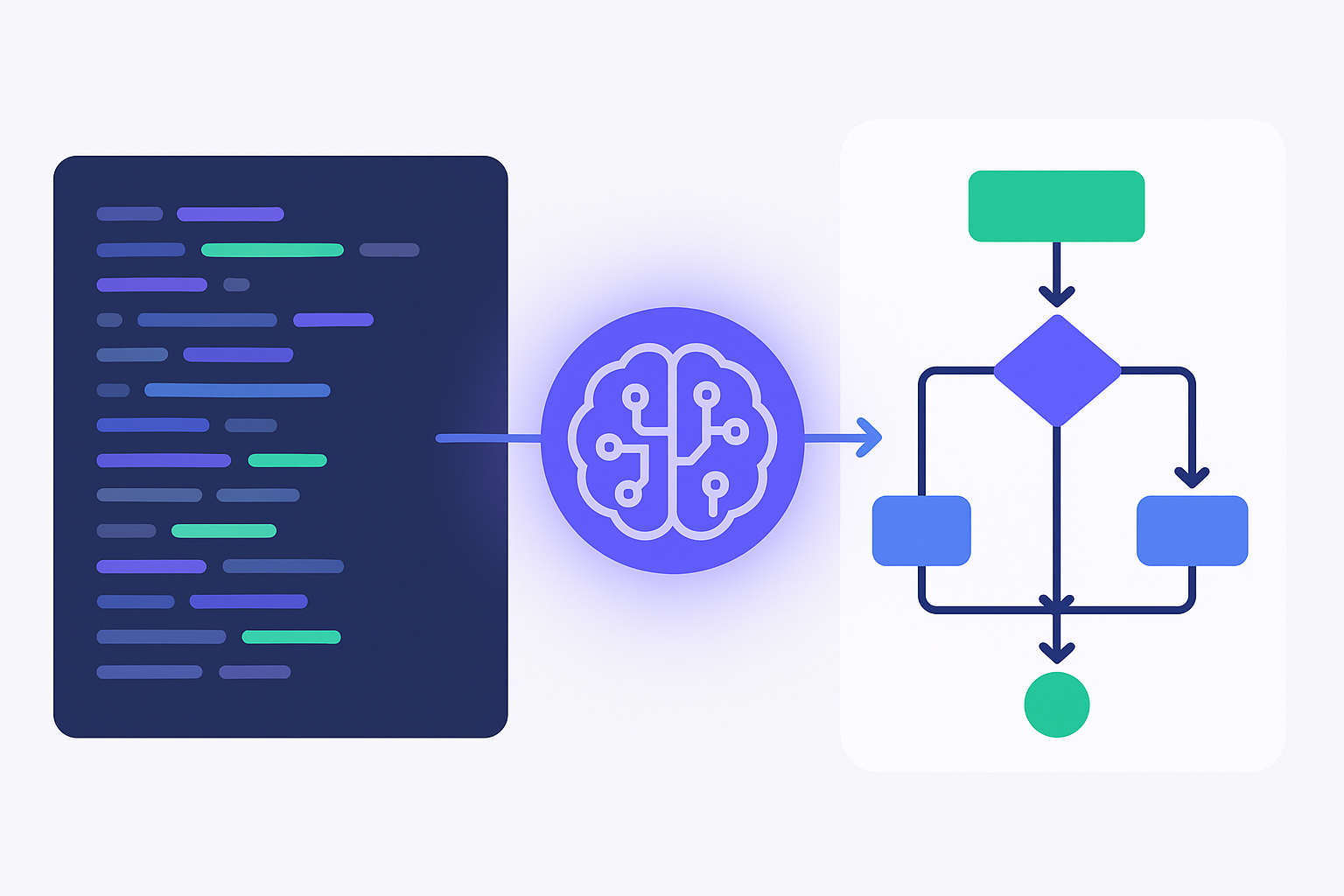
You just inherited a 50,000-line codebase with zero documentation. No architecture diagrams, no class hierarchy maps, no sequence diagrams — just raw code and a sinking feeling in your stomach. A year ago, you'd spend a week manually tracing every class, method, and dependency. Today, AI can generate the complete diagram suite in under 60 seconds — UML class diagrams, sequence flows, architecture maps, ERDs, and more. Here's exactly how it works, the three different approaches AI uses, and which one delivers production-ready results. Try it now on CodingFleet's Diagram Generator — supporting 90+ languages and frameworks.
📊 Key Findings
- Three distinct AI approaches exist: diagrams-as-code (Mermaid/PlantUML via LLM text generation), sandbox execution (AI writes Python that runs pyreverse/Graphviz), and direct image generation (GPT Images 2.0, Nano Banana). The sandbox approach is the only one that produces accurate, verifiable diagrams from real code.
- Modern LLMs know diagramming syntax natively. Claude Fable 5, GPT-5.5, and DeepSeek V4 Pro can all generate syntactically correct Mermaid, PlantUML, D2, and Graphviz DOT — no fine-tuning needed. Mermaid is the most widely supported across LLMs.
- Code execution is the game-changer. Tools like CodingFleet's sandbox let AI actually run
pyreverse,graphviz, and custom Python analysis scripts against your real code — producing diagrams that reflect actual structure, not AI guesswork. - GPT Images 2.0 and Nano Banana can generate diagrams from descriptions — but these are decorative, not structurally accurate. Best for blog graphics and presentations, not for architecture documentation.
- The hybrid approach wins: AI reads your code → generates diagram-as-code syntax → executes rendering in a sandbox → delivers a PNG/SVG. This is what CodingFleet's Diagram Generator does across 90+ languages.
Generate diagrams from your own code — try the Diagram Generator free →
Why Code-to-Diagram Matters Now More Than Ever
The irony of modern software development: we've never had more code, and we've never had less documentation. AI coding assistants have accelerated code generation 10× — but they haven't accelerated understanding. A 2026 survey by Stack Overflow found that developers spend 58% of their onboarding time just trying to understand the codebase structure. Diagrams are the fastest path to comprehension, yet they're almost never maintained alongside the code.
AI changes this. When you can point a tool at a repository and get a complete UML class diagram in 60 seconds, diagrams shift from "nice-to-have documentation artifact" to "on-demand code comprehension tool." You generate them when you need them, for the specific files you're working on, at the level of detail that helps right now.
The technology to do this has matured dramatically in 2026. Let's walk through exactly how it works — and which approach you should use for which situation.
Three Ways AI Generates Diagrams from Code
Not all AI-generated diagrams are created equal. There are three fundamentally different approaches, and they produce very different results. Understanding which one a tool uses tells you whether you'll get an accurate architecture reference or a pretty-but-wrong decoration.
Approach 1: Diagrams-as-Code (Text-to-Syntax)
This is the most common approach. The AI reads your code (or a description of it), then generates diagram-as-code syntax — typically Mermaid, PlantUML, or Graphviz DOT. The syntax is then rendered by a separate engine into a PNG or SVG.
How it works:
- You provide code (or a description like "generate a flowchart for user login")
- The LLM generates Mermaid/PlantUML syntax
- A renderer (typically Mermaid.js or kroki.io) converts the syntax to an image
Example — AI generates this Mermaid from your Python code:
classDiagram
    class User {
        +String email
        +String password_hash
        +authenticate(credentials) bool
    }
    class Order {
        +UUID id
        +Decimal total
        +DateTime created_at
        +calculate_tax() Decimal
    }
    class PaymentGateway {
        +charge(amount, source) Transaction
        +refund(transaction_id) bool
    }
    User "1" --> "*" Order : places
    Order "1" --> "1" PaymentGateway : processes
When this approach works well:
- Quick prototyping and whiteboarding sessions
- Simple flows where structural accuracy isn't critical
- When you need a diagram conceptually representing the code, not exactly matching it
When it falls short:
- Large codebases — LLMs don't see all the classes and relationships
- Complex inheritance chains — the LLM guesses, and often guesses wrong
- Any situation where the diagram must match the actual code structure
Modern LLMs are remarkably good at Mermaid syntax. Claude Fable 5, GPT-5.5, and DeepSeek V4 Pro all generate syntactically valid diagrams-as-code with near-zero error rates. Mermaid has the widest LLM familiarity — every major model has been trained on enough Mermaid examples to produce it fluently. D2 (a newer diagrams-as-code language) produces better-looking output out of the box but has less training data behind it, so LLMs are less reliable with its syntax.
Approach 2: Sandbox Execution — The Accurate Approach
This is the approach that produces production-quality, structurally accurate diagrams. Instead of asking the LLM to imagine what your code looks like, the AI actually runs analysis tools against your real code in an isolated sandbox environment.
How it works:
- You upload your code (or the AI reads it from your repository)
- The AI writes a Python script that imports and runs analysis tools —
pyreverse,pylint,astmodule,javalang, etc. - The script executes in CodingFleet's sandbox environment — with full filesystem, network, and package access
- The analysis produces a
.dot,.puml, or.mmdfile - Graphviz renders it to PNG/SVG/PDF
- The final diagram is served back to you
Python example — what the AI writes and runs:
# AI-generated analysis script
import subprocess, os

# Step 1: Run pyreverse to extract UML from actual code
subprocess.run([
    "pyreverse", "-ASmy", "-o", "dot",
    "-p", "MyProject", "./src/"
], check=True)

# Step 2: Render with Graphviz
subprocess.run([
    "dot", "-Tpng",
    "classes_MyProject.dot",
    "-o", "uml_diagram.png"
], check=True)

# Step 3: Verify the output
assert os.path.getsize("uml_diagram.png") > 10000, "Diagram too small"
print("✅ UML class diagram generated successfully")
Why this approach is categorically better for real work:
- Structural accuracy: The diagram reflects actual classes, methods, and relationships — not LLM approximations
- Handles scale: Works on codebases of any size.
pyreversecan analyze thousands of classes in seconds - Multi-language: The AI selects the right analysis tool for your language —
pyreversefor Python,javalangfor Java,typedocfor TypeScript,yardfor Ruby, etc. - Customizable: The AI can write custom analysis scripts — filter by module, show only public methods, highlight deprecated classes, whatever you need
- Verifiable: You can see exactly what code produced the diagram. No black box.
Analysis tools the AI can leverage by language:
| Language | Analysis Tools | Diagram Types |
|---|---|---|
| Python | pyreverse, ast, pydeps, snakefood | UML class, package dependency, call graphs |
| Java / Kotlin | javalang, PlantUML, jdeps | UML class, sequence, component |
| TypeScript / JavaScript | typedoc, dependency-cruiser, madge | Module dependency, class hierarchy |
| C / C++ | doxygen, cflow, cppdep | Call graphs, include graphs, class diagrams |
| Go | go-callvis, gomod, guru | Call graphs, package dependency |
| Rust | cargo-modules, rust-code-analysis | Module structure, trait hierarchies |
| Ruby | yard, railroady (Rails) | UML class, ERD |
| SQL | sqlalchemy, schemaSpy, eralchemy | ERD, schema diagrams |
| C# / .NET | ndepend, PlantUML, Roslyn analyzers | UML class, dependency graphs |
The sandbox is the critical infrastructure here. Without it, you're limited to what the LLM can guess. With it, the AI can install packages, run analysis tools, read actual files, and produce verifiable output. CodingFleet's code execution sandbox gives the AI a full Linux environment — pip, npm, apt, Git, everything — so it can use whatever tooling your language ecosystem provides.
Approach 3: Direct Image Generation — Pretty but Not Precise
This is the newest approach. Image generation models like GPT Images 2.0 (OpenAI) and Nano Banana (Google/Gemini) can produce diagram-like images directly from text descriptions — no intermediate syntax, no rendering engine, no code analysis.
How it works:
- You describe the diagram: "UML class diagram showing a User class with email, password fields and a one-to-many relationship to Orders"
- The image model generates a PNG that looks like a UML diagram
- That's it — no code analysis, no tool execution
Where this approach shines:
- Blog posts and presentations: Need a conceptual diagram to illustrate an idea? Perfect.
- Rapid prototyping: Quickly communicate "this is roughly what the architecture looks like"
- Non-technical audiences: Generate clean, readable diagrams without worrying about UML correctness
Where it fails for real engineering work:
- No structural guarantee: The diagram looks right but may misrepresent relationships
- Can't handle real code: You can't feed it
main.pyand get an accurate class diagram back - Text labels can be wrong: Even GPT Images 2.0, which has near-perfect text rendering, can hallucinate class and method names
- Not version-controllable: The output is a raster image, not a diffable text format
GPT Images 2.0 vs Nano Banana for diagrams: In side-by-side testing (June 2026), GPT Images 2.0 produces more structurally organized diagrams with better layout discipline — it understands that a flowchart should have a clear left-to-right or top-to-bottom flow. Nano Banana produces more visually polished output with better color use and styling. For engineering diagrams, GPT Images 2.0's layout awareness gives it the edge. For presentation-ready graphics, Nano Banana's aesthetic quality wins. Neither is suitable as a source of truth for your codebase architecture.
Approach Comparison: Which One Should You Use?
| Criterion | Diagrams-as-Code (Mermaid/PlantUML) | Sandbox Execution (pyreverse/Graphviz) | Image Generation (GPT Images/Nano Banana) |
|---|---|---|---|
| Structural accuracy | ⚠️ LLM-best-guess | ✅ Verifiable | 🔴 Decorative only |
| Works with real code | ⚠️ Small files only | ✅ Any size | 🔴 No |
| Multi-language | ✅ LLM knows syntax | ✅ Any language with tooling | 🔴 Description only |
| Visual polish | ⚠️ Depends on renderer | ✅ High (Graphviz/SVG) | ✅ Excellent |
| Speed | ✅ Seconds | ⚠️ 30s–2min | ⚠️ 10s–30s |
| Git-diffable | ✅ Text-based | ⚠️ Image output (source is text) | 🔴 No |
| Best for | Quick sketches, PR reviews | Production documentation | Presentations, blogs |
What Kinds of Diagrams Can AI Generate?
The diagram type you need determines which approach and tools are appropriate. Here's what modern AI + sandbox execution can produce from your code:
| Diagram Type | What It Shows | Best Tooling | AI Approach |
|---|---|---|---|
| UML Class Diagram | Classes, attributes, methods, inheritance, associations | pyreverse, PlantUML | Sandbox |
| Sequence Diagram | Object interactions over time, API call flows | Mermaid, PlantUML | Text-to-syntax |
| Flowchart | Process logic, decision trees, algorithm flow | Mermaid, Graphviz | Text-to-syntax |
| Architecture Diagram | System components, services, data flow | D2, Diagrams (Python lib) | Sandbox |
| ERD (Entity-Relationship) | Database tables, columns, foreign keys | eralchemy, SchemaSpy | Sandbox |
| Package Dependency | Module import graphs, coupling visualization | pydeps, dependency-cruiser | Sandbox |
| Call Graph | Function call hierarchy, recursion paths | pycallgraph, go-callvis | Sandbox |
| State Machine | States, transitions, event triggers | Mermaid, PlantUML | Text-to-syntax |
| C4 Model | Context, container, component, code levels | PlantUML + C4 plugin | Text-to-syntax |
The CodingFleet Approach: 90+ Languages, Sandbox-Powered
CodingFleet's Diagram Generator takes the hybrid approach — and extends it across more languages and frameworks than any other tool. Here's what makes it different:
🔧 Sandbox Execution
The AI doesn't just generate diagram syntax — it writes and runs real Python code in CodingFleet's sandbox environment. It installs the right packages for your language, runs the appropriate analysis tools, and renders the output. You get a diagram that reflects your actual code structure — not an AI's best guess.
🌍 90+ Languages & Frameworks
Python, Java, TypeScript, Go, Rust, C++, Ruby, PHP, Swift, Kotlin, C#, SQL, and dozens more. Plus frameworks: Django, FastAPI, Spring Boot, Rails, React, Angular, Vue, Express, Next.js, Laravel, Flask, ASP.NET, and many others. If you write code in it, CodingFleet can diagram it.
🎨 Any Diagram Type
UML class diagrams, sequence diagrams, flowcharts, ERDs, architecture diagrams, package dependency graphs, call graphs, state machines, C4 models — the AI selects the right tooling for your requested diagram type, or you can specify exactly what you want.
🤖 20+ AI Models
Choose from Claude Fable 5, GPT-5.5, DeepSeek V4 Pro, Gemini 3.5 Flash, Qwen 3.7 Max, and more. Different models excel at different diagram types — swap between them to find the best fit for your codebase.
Real-World Use Cases
1. Onboarding New Developers
A fintech startup hired three new backend engineers. Instead of weeks of pairing sessions, they pointed CodingFleet's Diagram Generator at each microservice. In under an hour, every new hire had complete UML class diagrams, sequence diagrams for critical API flows, and ERDs for the database schemas. Onboarding time dropped from 3 weeks to 4 days.
2. Legacy Codebase Modernization
A 12-year-old Java monolith with 800,000 lines of code needed to be broken into microservices. The team used AI-generated package dependency graphs to identify the least-coupled modules — the natural extraction boundaries. What would have been months of manual analysis took two afternoons.
3. PR Reviews with Architecture Context
A team added diagram generation to their CI pipeline: every PR that modifies class signatures automatically regenerates the UML class diagram and includes it in the PR description. Reviewers can instantly see the structural impact of changes. "This alone caught three cases where someone accidentally broke the dependency inversion principle," reports the team lead.
4. Database Documentation
A data engineering team with 200+ PostgreSQL tables used AI to generate ERDs directly from their SQLAlchemy models. The diagrams are regenerated weekly and published to the internal wiki. Database documentation went from "perpetually outdated" to "always current with zero manual effort."
Getting Started with AI Diagram Generation
Ready to generate diagrams from your own code? Here's the fastest way to start:
- Visit the Diagram Generator — select your language (Python, Java, TypeScript, Go, Rust, or any of the 90+ supported languages)
- Paste your code or upload files directly (paid plans support full file uploads)
- Choose your diagram type — UML class diagram, flowchart, sequence diagram, architecture diagram, ERD, or let the AI auto-detect the best fit
- Select your AI model — Claude Fable 5 for the most accurate structural analysis, GPT-5.5 for fast iterations, DeepSeek V4 Pro for cost-effective bulk generation
- Click "Generate Diagram" — the AI analyzes your code, writes and executes analysis scripts in the sandbox, and delivers your diagram in seconds
💡 Pro Tips for Better Diagrams
- Use the "Additional Instructions" field — tell the AI to "focus on public methods only" or "group by module" or "highlight deprecated classes in red"
- For large codebases, start with one module — generate a diagram for a single file or directory first, then scale up
- Combine diagram types — generate a class diagram for structure, then a sequence diagram for the critical authentication flow
- Enable code execution — this is what separates accurate diagrams from AI guesswork. The sandbox gives the AI real tools to analyze your code
- Experiment with models — Claude models tend to produce more conservative, UML-compliant diagrams; GPT models are more creative with layout
The Bottom Line
AI-generated diagrams have crossed the threshold from "cool demo" to "production-grade tool." The combination of LLMs that natively understand diagramming syntax + sandbox execution that runs real analysis tools means you can now generate structurally accurate, visually clean diagrams from your actual code in under a minute.
The three approaches each have their place:
- Diagrams-as-code (Mermaid/PlantUML) — best for quick sketches and PR review annotations
- Sandbox execution (pyreverse/Graphviz) — best for production documentation, architecture references, and onboarding
- Image generation (GPT Images 2.0/Nano Banana) — best for presentations, blog posts, and conceptual illustrations
For real engineering work — where the diagram must match the code — the sandbox approach is the only one that delivers. And with CodingFleet supporting 90+ languages and any diagram type, there's never been a better time to stop guessing about your codebase structure and start seeing it.
90+ languages supported. Free tier available. No setup required.
📚 Related Articles
Sources: Pyreverse documentation | Mermaid.js | PlantUML | Graphviz | D2 | GPT Images 2.0 Guide | Nimbalyst — AI Diagram Tools | Taskade — AI Flowchart Makers. Tool availability and model capabilities as of June 2026.